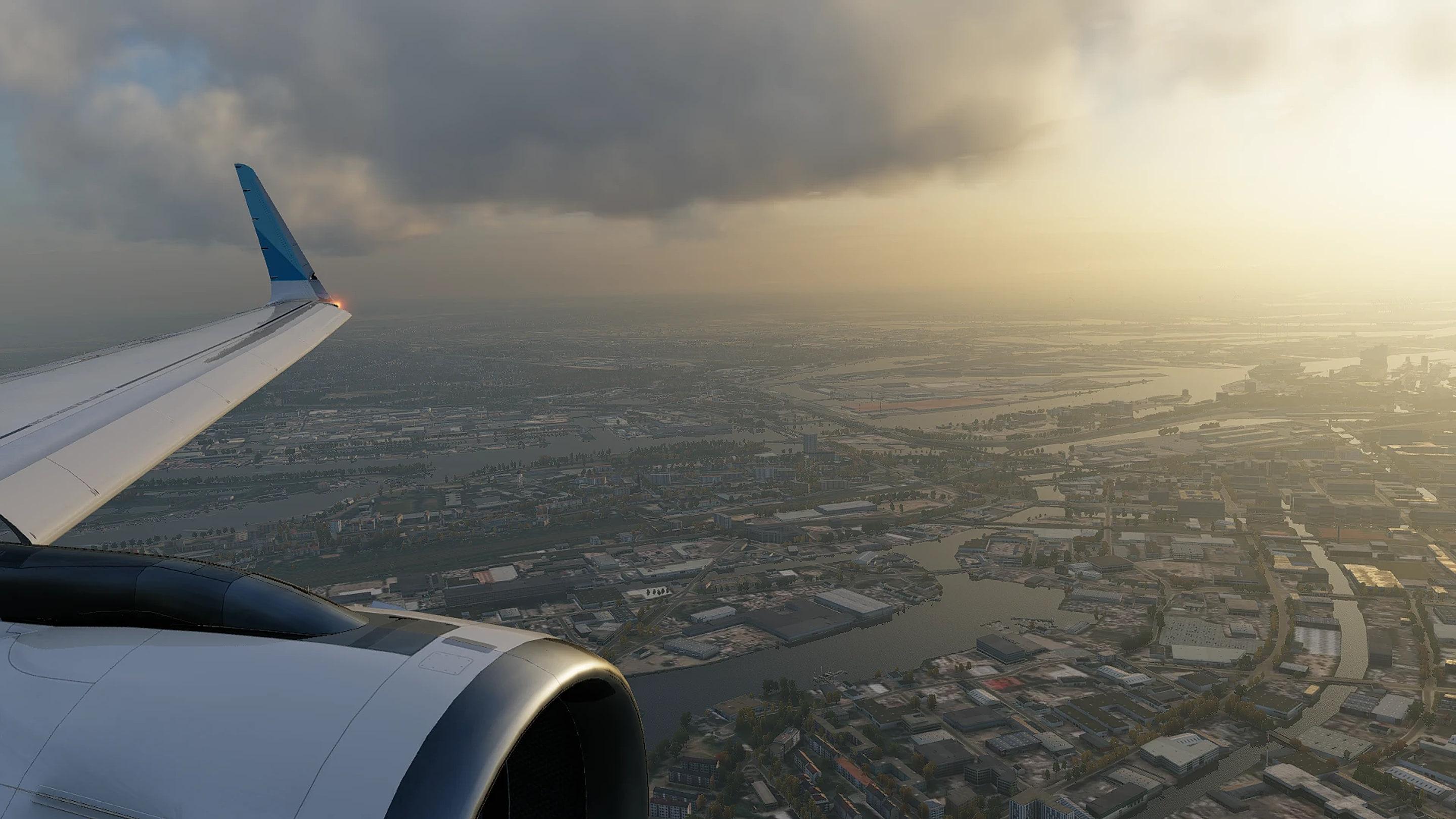
Inside the release: jobs, airlines, ACARS, the logbook and the live map
A tour of what SimHaul does at launch: 300 kinds of mission, real airline routes, ACARS flight tracking with server-checked scoring, a paper-style logbook, a live map with VATSIM and IVAO traffic, and 3D replays.
The first post covered what SimHaul is. This one goes through the parts of the launch one at a time, so you know what you are getting before you install anything.
Jobs written for the place
There are over 300 kinds of mission at about 86,000 real airports. Parcels, passengers, medicine, sightseeing and charters are all in there. A job from a grass strip reads differently from a job out of a hub, which is the point. The mission gives the flight a reason, and the place gives the mission its flavour.
Rent a plane that fits the job
You choose an aircraft that fits the load and the runway, plan the fuel, and rent or buy it at the price on the day. Pick something too big for a short strip and you will find out when you try to take off. You start small, with a Cessna 152 for example, and work up.
Real airline routes and a wage
You can sign on with real airlines and fly their real routes on their real schedules. The wage grows with your rank, from cadet to captain. If you prefer to be your own boss, you can fly freelance or found an airline of your own, take bank loans for it and invite other pilots to join.
ACARS tracking and scoring
The flight recorder is an ACARS-style tracker. It follows the whole flight from engine start to parking and sends the track to the server. Landing rate, speeds, fuel and time are checked there, so the score is the same for everybody. A smooth landing pays better than a bounce.
Replays in 2D and 3D
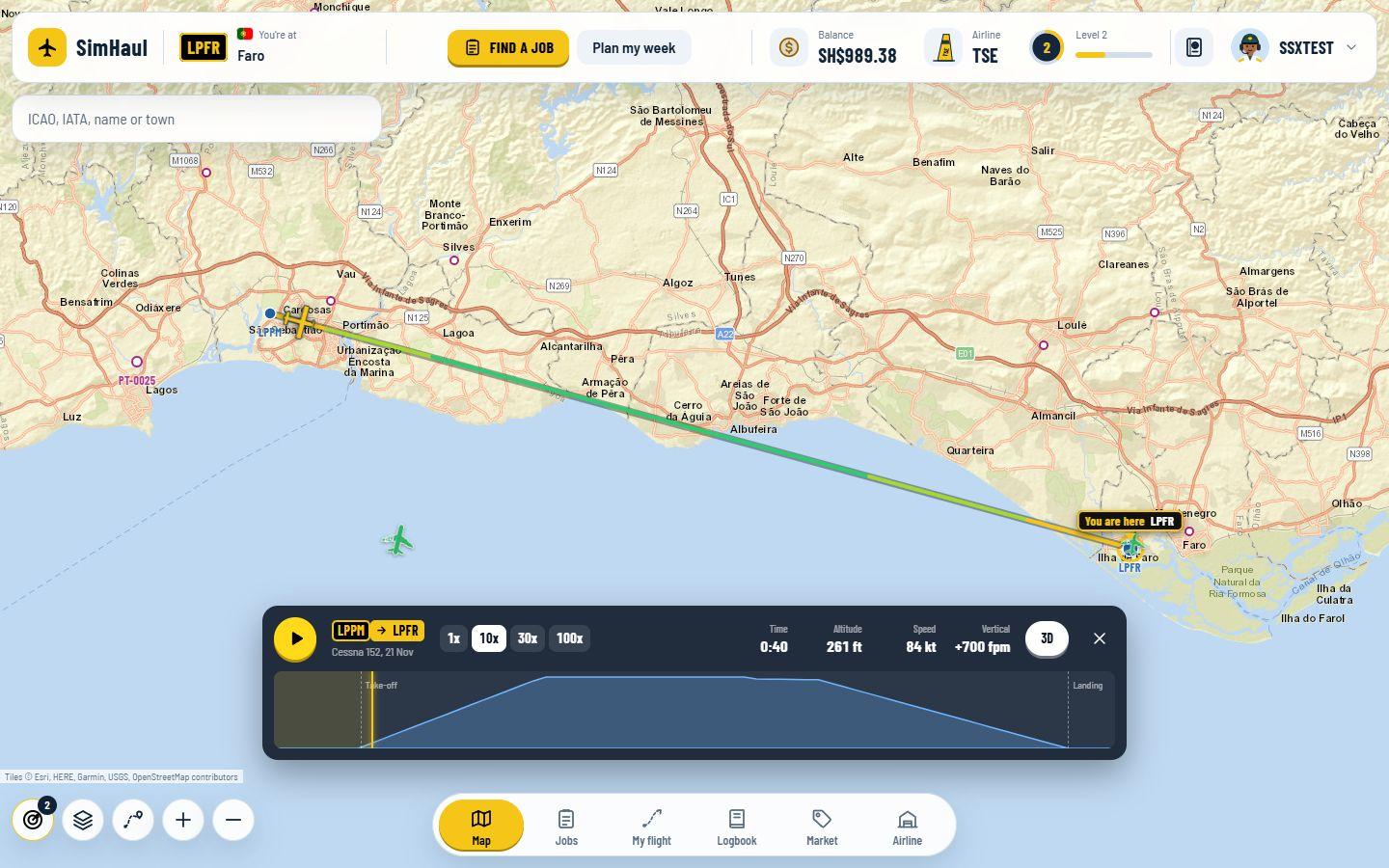
Every flight you fly can be replayed afterwards, in 2D and 3D. It is a good way to see why a landing scored the way it did, or just to watch a flight you liked again.
A live map with VATSIM and IVAO
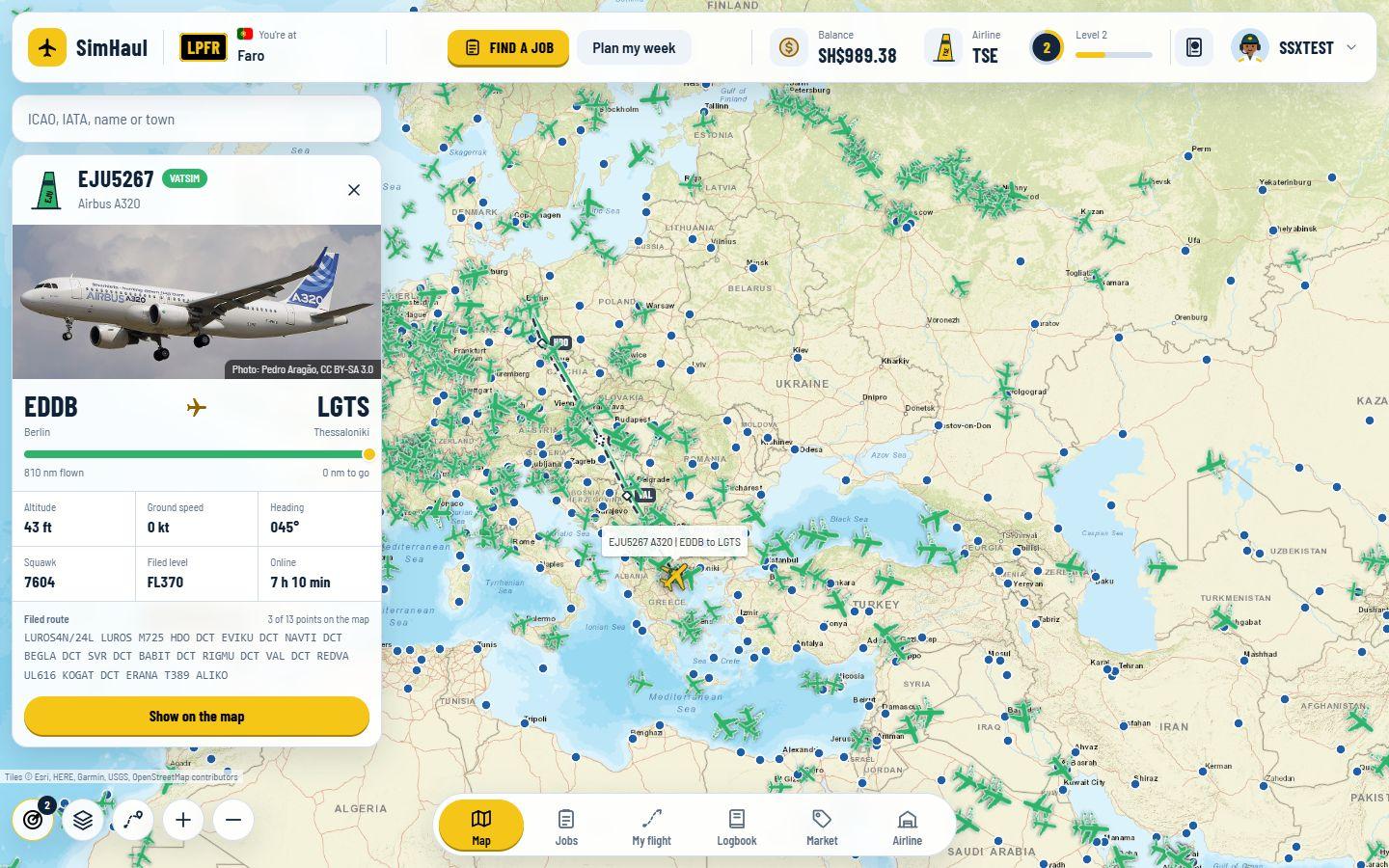
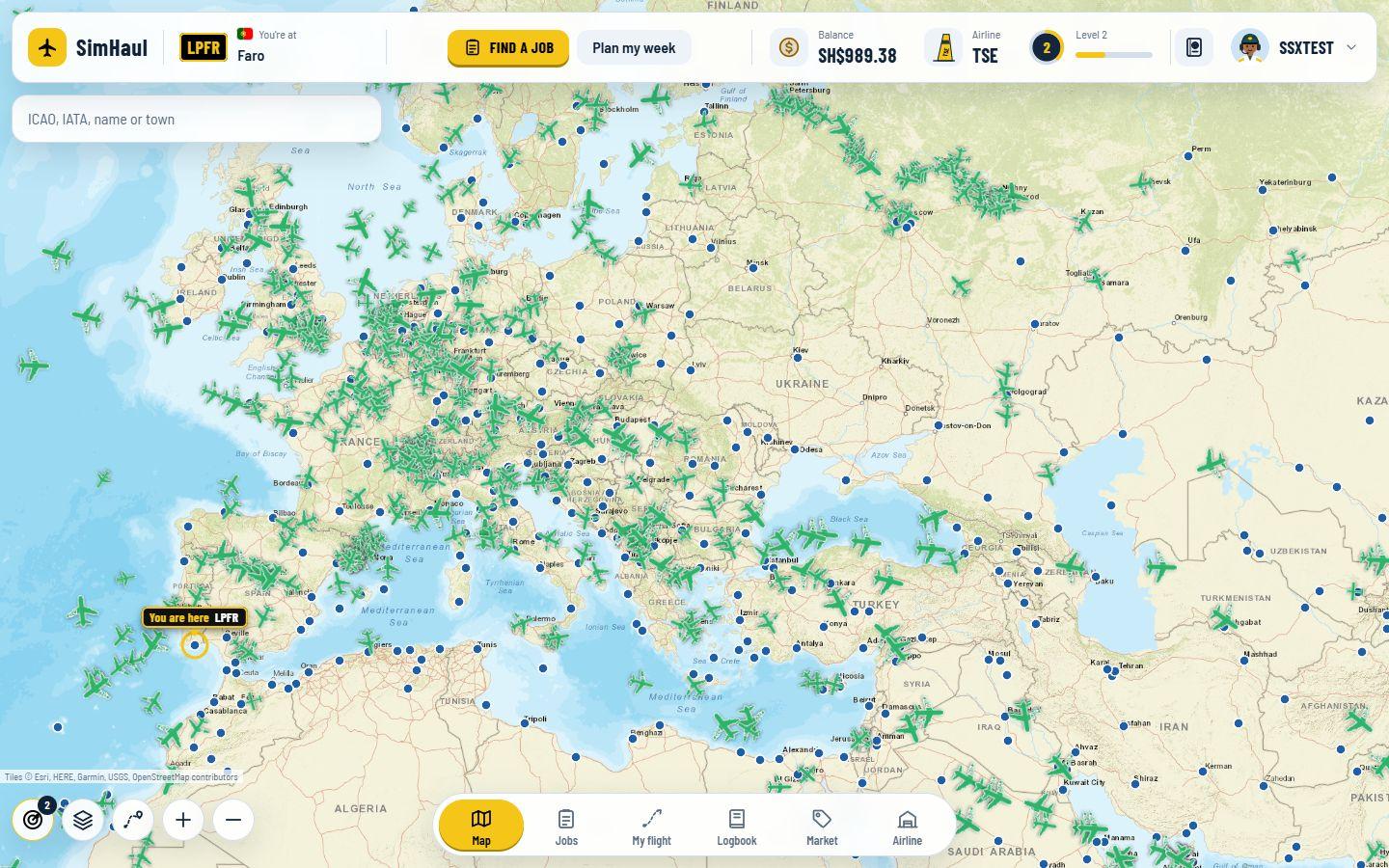
The map shows other SimHaul pilots where they are, and you can switch on live VATSIM and IVAO traffic. Click a plane for its flight card: the airline, the aircraft with a real photo, the filed route, the altitude and the speed. Filed routes are drawn through their navaids, and the METAR for each departure is one click away.
A logbook and a passport
Every flight is filed in a logbook laid out like a paper EASA logbook. The passport adds a stamp for each country you fly to, which gives you a small, slightly addictive reason to try a new corner of the map.
Ready to try it? The download page picks the right installer for your computer. Not sure yet? Read why people use a career mode.