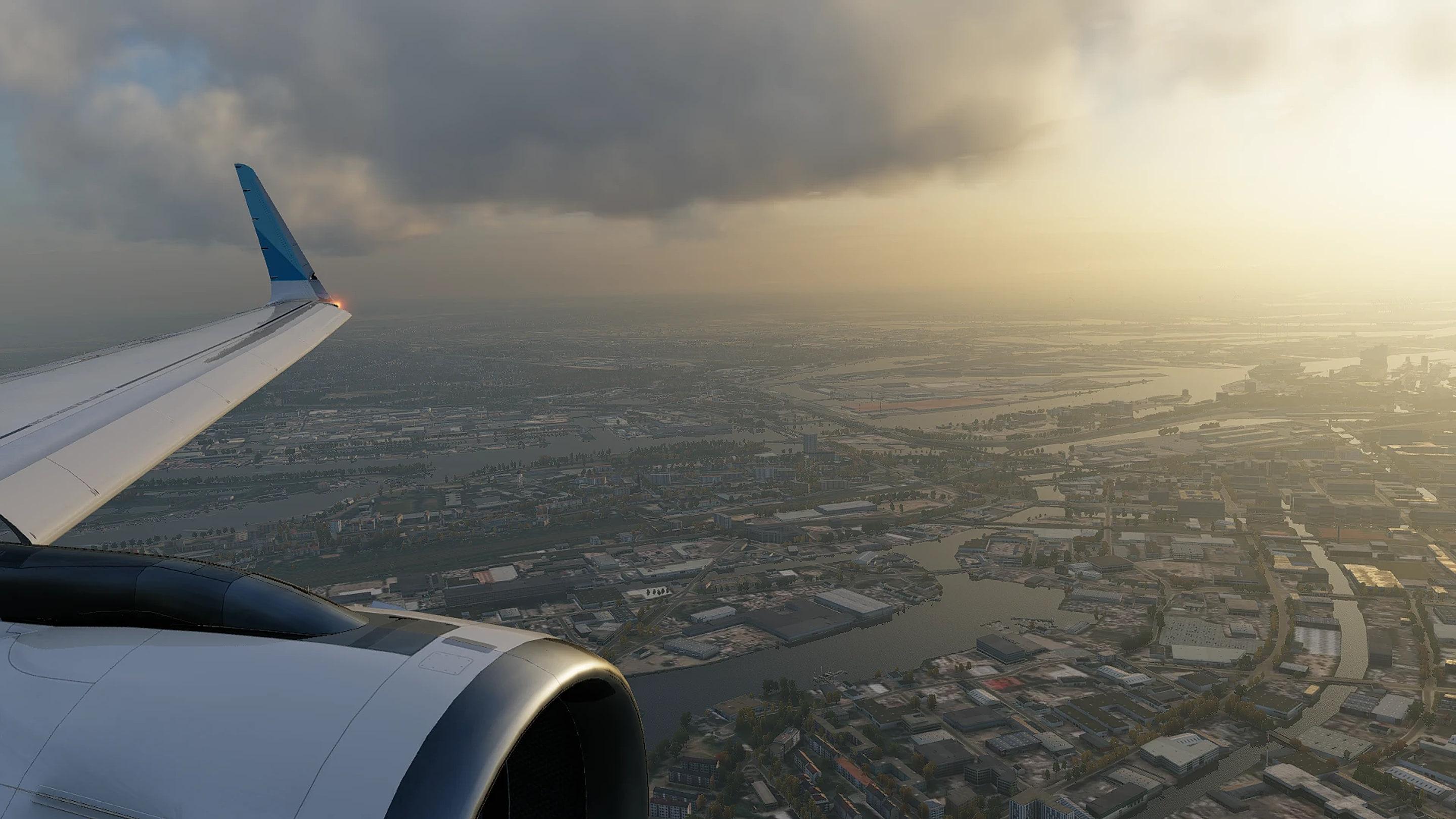
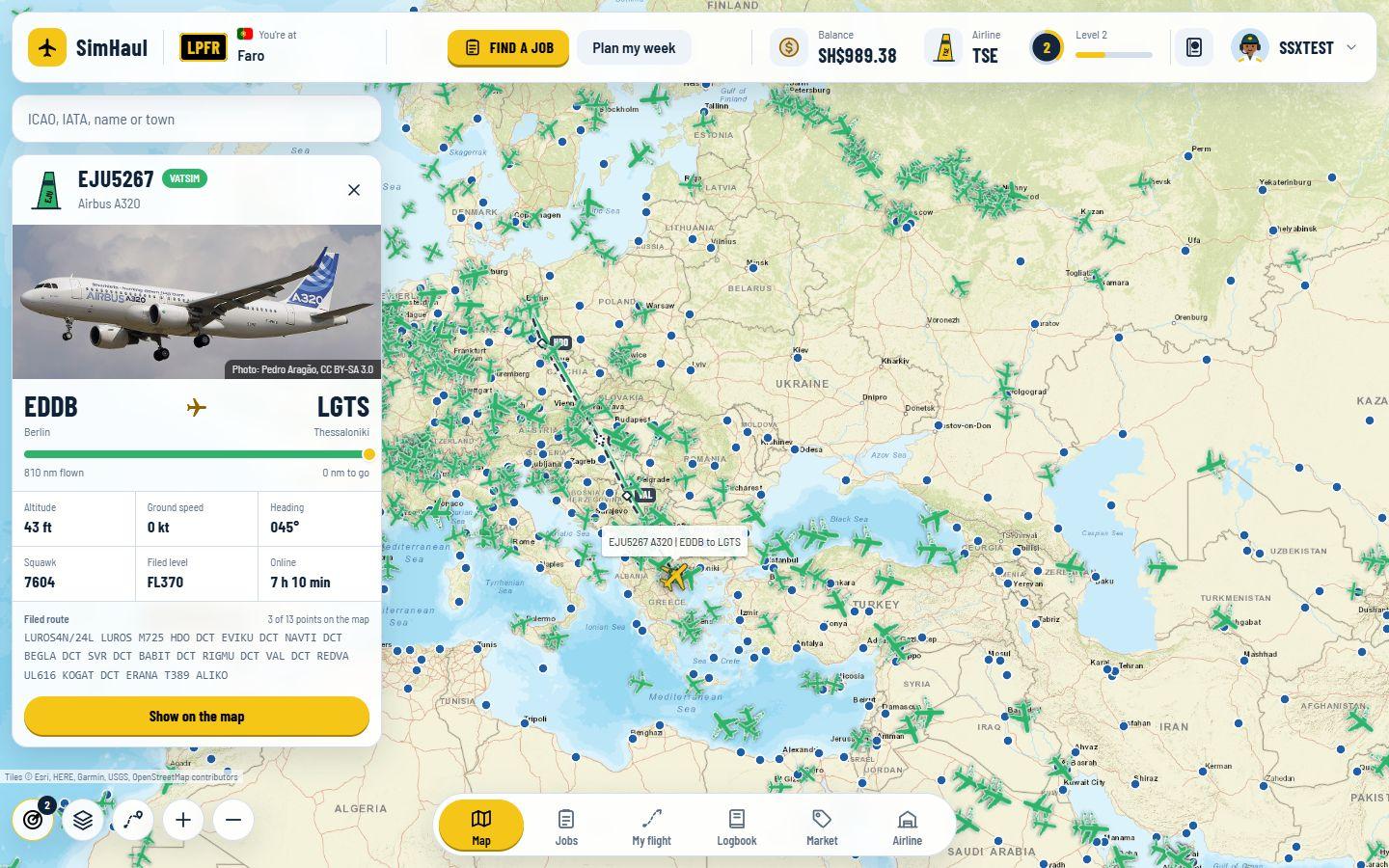
How to start your first SimHaul flight in MSFS or X-Plane
A step-by-step guide to your first SimHaul flight: make a pilot, install the flight recorder on Windows, Mac or Linux, pick a job, rent a plane, fly it and get paid.
Getting into SimHaul takes a few minutes. This guide walks through it from the first sign-in to the first payday.
What you need
- A simulator: MSFS 2020 or 2024 on Windows, or X-Plane 11 or 12 on Windows, Mac or Linux.
- A browser, for the game itself at fly.simhaul.app.
- The SimHaul flight recorder, a small app for the same computer as your simulator.
MSFS does not run on a Mac, so a Mac pilot flies with X-Plane. Xbox is not supported yet because the recorder needs a computer next to the sim.
Step 1: make your pilot
Open fly.simhaul.app and sign in with your email, Google or Discord. Then set up your pilot with a callsign and a home airport.
Step 2: install the flight recorder
The download page shows the right installer for your computer first. On Windows it is a setup file for Windows 10 or 11. On a Mac, pick Apple silicon or Intel. On Linux you can choose an AppImage or a .deb package.
Two small warnings. The Mac app is not notarised by Apple yet, so the first time you open it, right-click it and choose Open. On Windows, SmartScreen may ask you to confirm with "More info", then "Run anyway".
Step 3: sign in once in the recorder
Sign in inside the recorder once. After that it flies as you, so every flight lands on your pilot without anything to copy or paste.
Step 4: pick a job and rent a plane
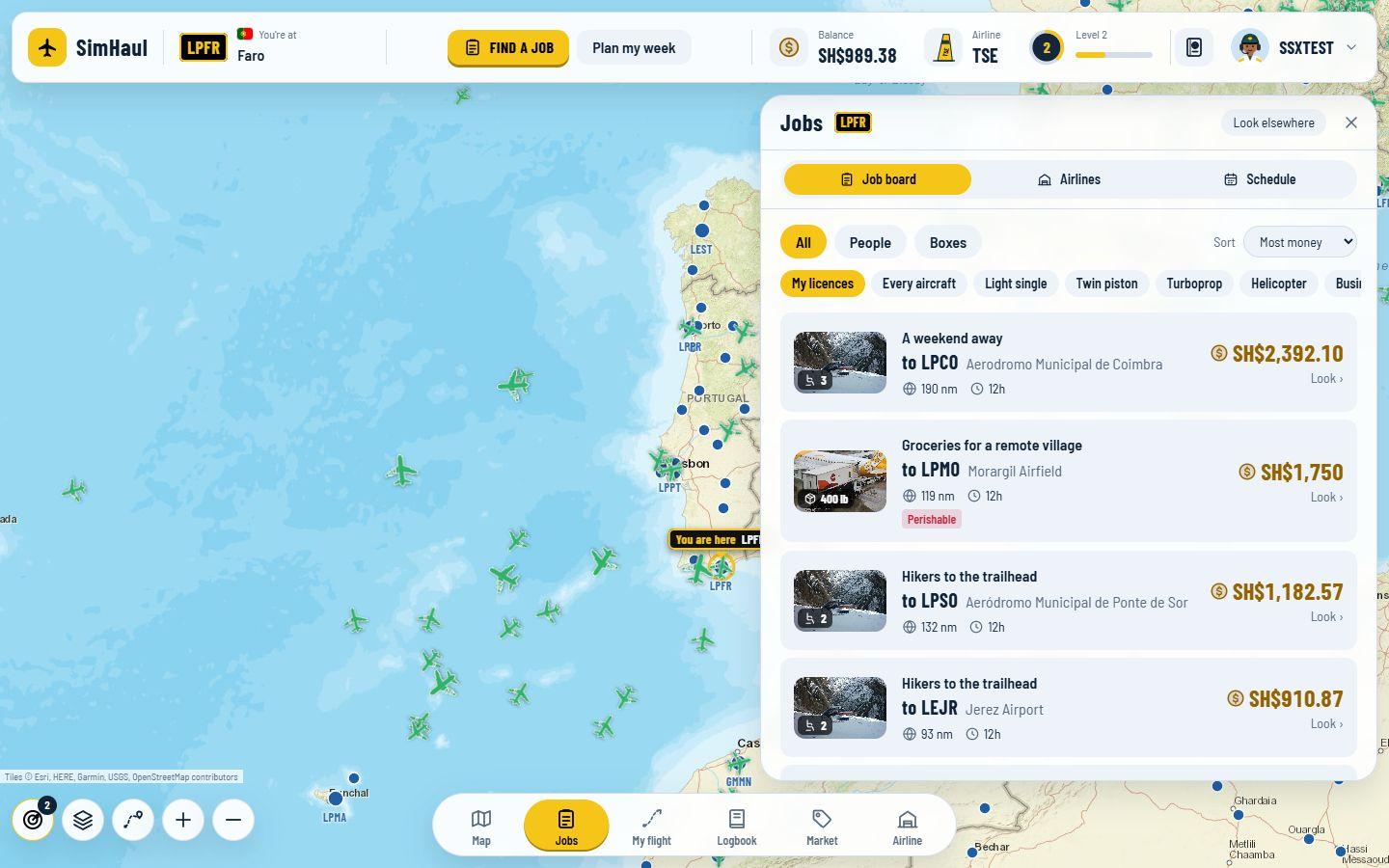
Open the job board at your airport. For a first flight, choose something short. Then rent an aircraft that fits the load and the runway, and plan the fuel. A small plane and a short hop make a gentle start.
Step 5: fly it
Start MSFS or X-Plane with the recorder running, load the aircraft you rented and fly the job your way. The recorder follows the flight from engine start to parking. X-Plane talks to it over its own data link, and MSFS through SimConnect.
Step 6: park and get paid
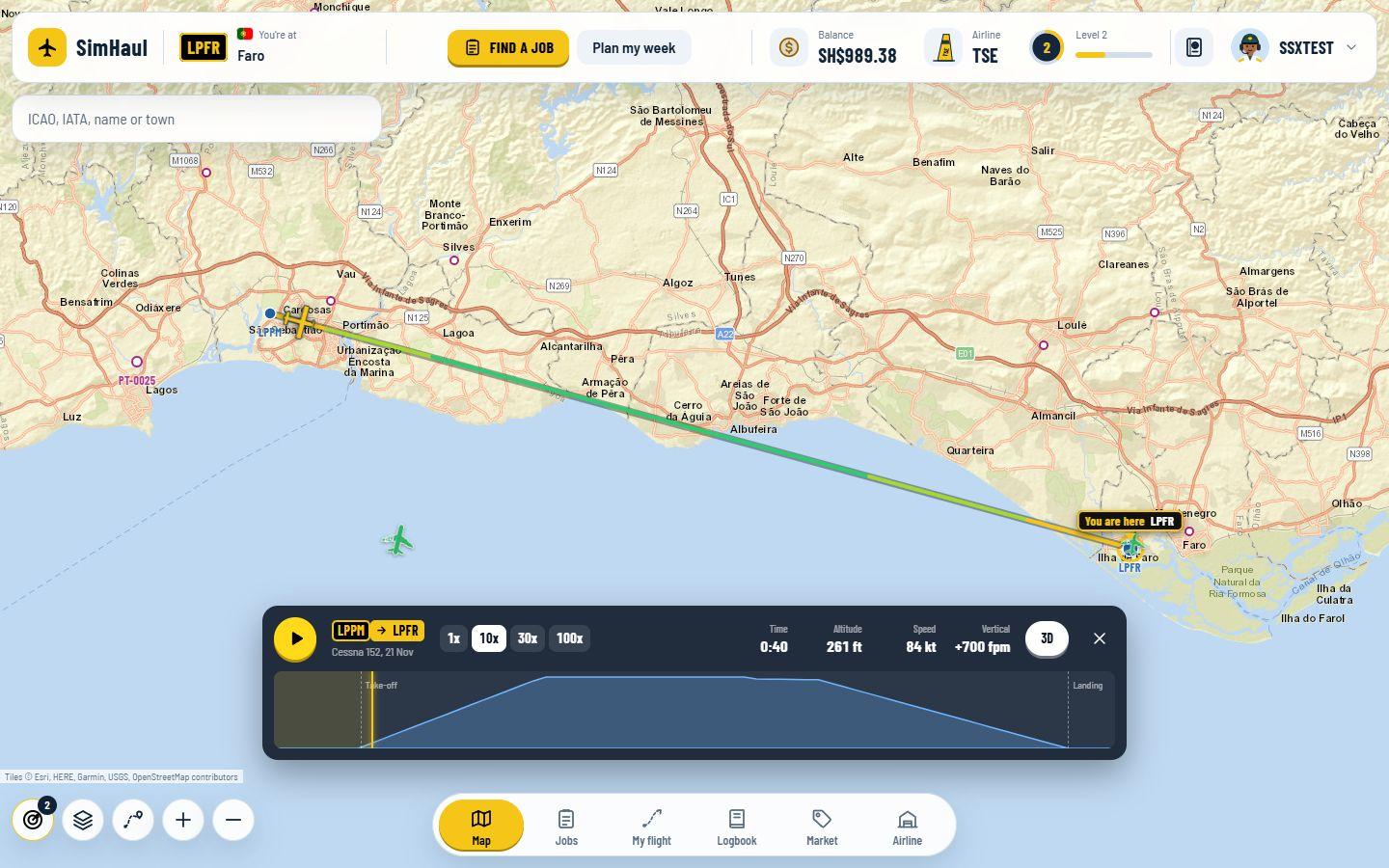
Land, park and your pay arrives, scored on the landing, the speeds and the time. The flight goes into your logbook, and you can replay it on the map.
Where to go next
Once the first payout is in, try a real airline route for a wage, or save up for a bigger aircraft. If you are curious about everything the game does, see what is in the launch. Stuck on something? Write to hello@simhaul.app.