SimHaul vs FSEconomy, OnAir and NeoFly: how to pick a flight sim career
Looking for a flight sim career or economy add-on? Here is how SimHaul compares with FSEconomy, OnAir and NeoFly, and with the built-in MSFS 2024 career mode, and how to choose.
FSEconomy, OnAir and NeoFly have been around for a while, and plenty of pilots use them happily. If you are choosing a career for your simulator, it is fair to ask where SimHaul fits.
We make SimHaul, so take our view with that in mind. We will stick to what SimHaul does and leave the others to describe themselves.
What they have in common
All of these give your flights a reason and an economy. You earn, you spend, you build up. That is the core idea of a flight sim career, and SimHaul shares it.
What SimHaul adds
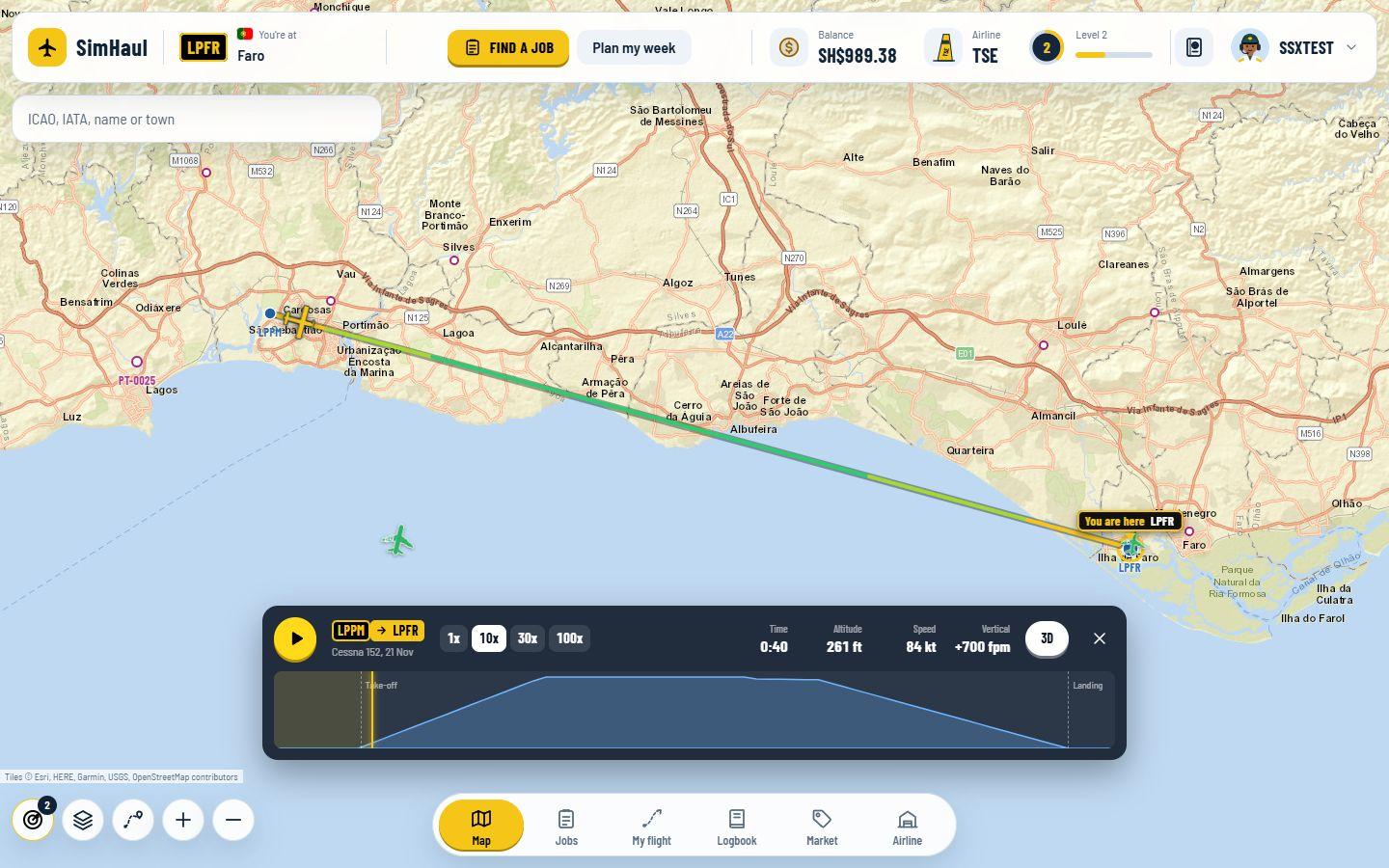
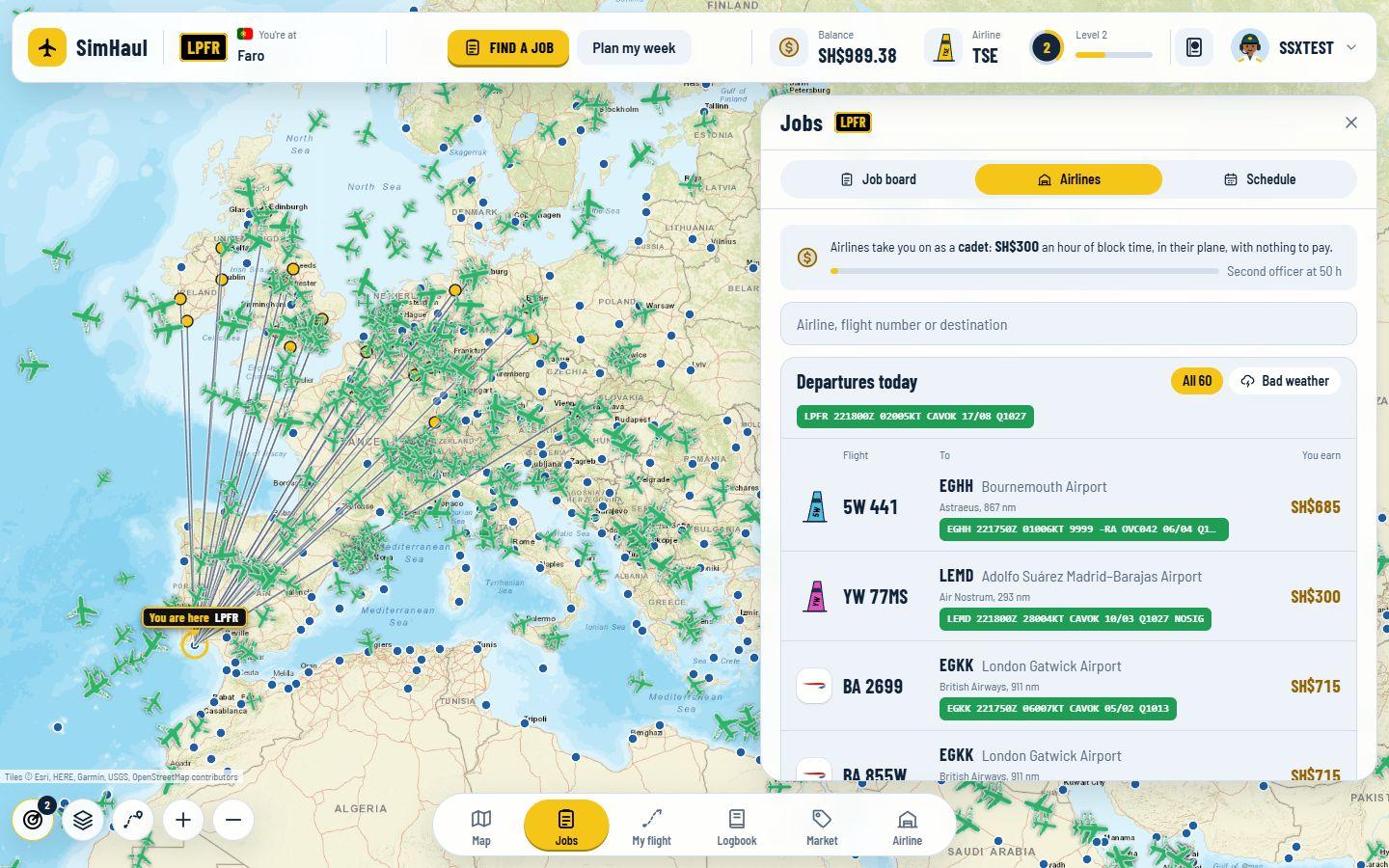
- Real airline routes you can fly for a wage, on their real schedules, with the wage growing from cadet to captain.
- A pilot logbook laid out like a paper EASA logbook, plus a passport with a stamp for each country.
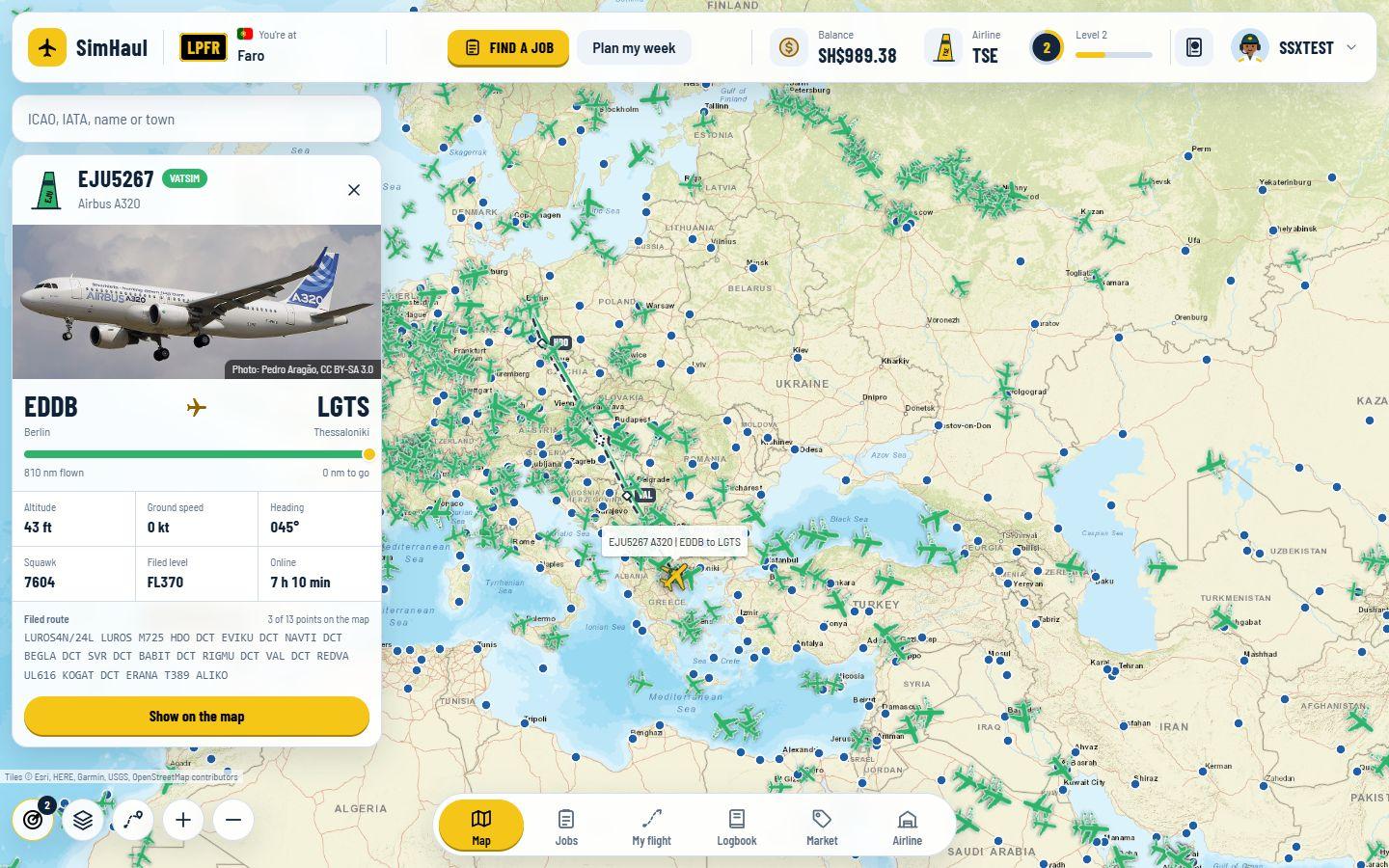
- A live map with VATSIM and IVAO traffic, flight cards with a real aircraft photo, and filed routes drawn through their navaids.
- 2D and 3D replays of your own flights.
- Over 300 kinds of mission at about 86,000 airports, written for the place they start from.
- Support for both Microsoft Flight Simulator (2020 and 2024) and X-Plane (11 and 12), on Windows, Mac and Linux.
Bringing your flight history with you
If you already log flights in Volanta, Little Navmap, SimToolkitPro or myFlightbook, you do not start from an empty logbook. Export your flights as a CSV or JSON file, upload it in SimHaul, and check the preview before anything is saved. The flights show up in your logbook marked as imported. Any other CSV with a date, two airport codes and a flight time works too.
Imported flights are history, so they do not count towards licences or ranks. On your first import you can take a one-off welcome award of SH$40 for each hour imported, up to SH$25,000, or keep the history only. Money, aircraft and companies from FSEconomy, OnAir or NeoFly do not carry over, because SimHaul has its own economy.
And the MSFS 2024 career mode?
SimHaul is a separate career, not a replacement. It works with any aircraft and any airport, keeps a shared economy with other pilots, and also works with X-Plane. You can run it next to the built-in career mode in MSFS 2024 and use whichever suits the evening.
How to choose
- Decide which simulator you fly. SimHaul covers MSFS and X-Plane, so it suits you if you use both or might switch.
- Decide how much setup you want. SimHaul is free and runs in the browser, with a small recorder next to the sim.
- Think about what you enjoy most. If it is airline schedules, a logbook and watching traffic on a map, SimHaul has those built in.
- Try it. It costs nothing and you can use it beside whatever you use now.
Ready to see it? Start with the download page, or read what the launch includes.